Joe90 wrote:
Don't know how to post images on this complicated site
On the page showing the image, right-click on the image and select "Copy image link" (or words to that effect).
Then, in your post edit window, click on the last icon at the right above the post's content - it looks like a sun over a mountain if you squint
really hard. Hovering the mouse pointer over it should show "Insert image".
Click on it, and paste (Ctrl-V) the image link into the part saying "Enter a link for image:", then click "Insert into message".
Clicking the "Preview" button below your post should now display the image there, so click "Submit" as usual.
You'll probably find your results are still displayed if you revisit the site.
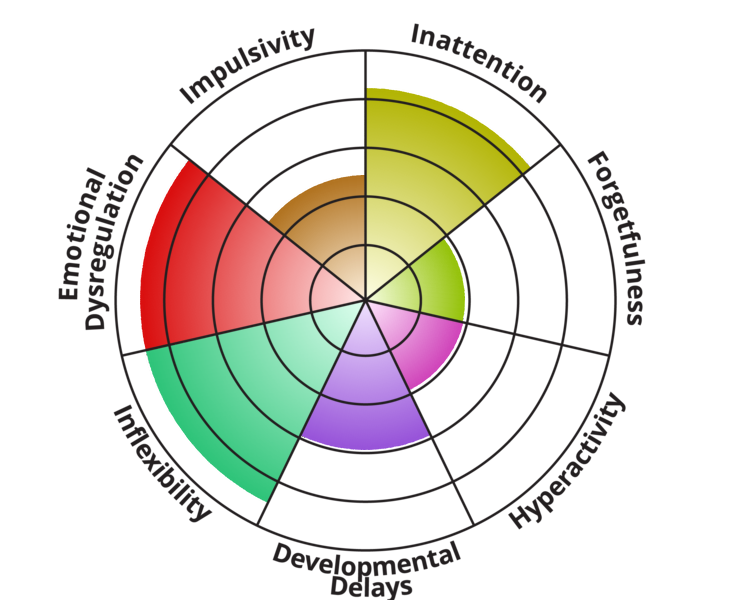
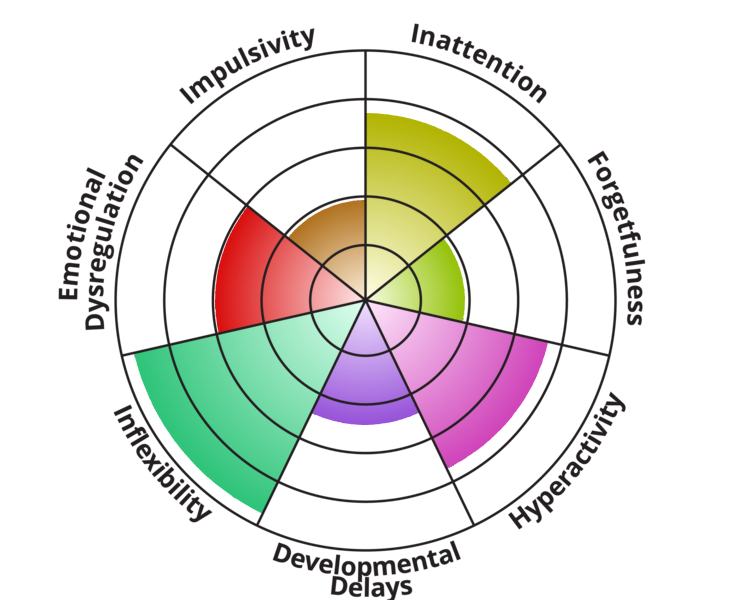
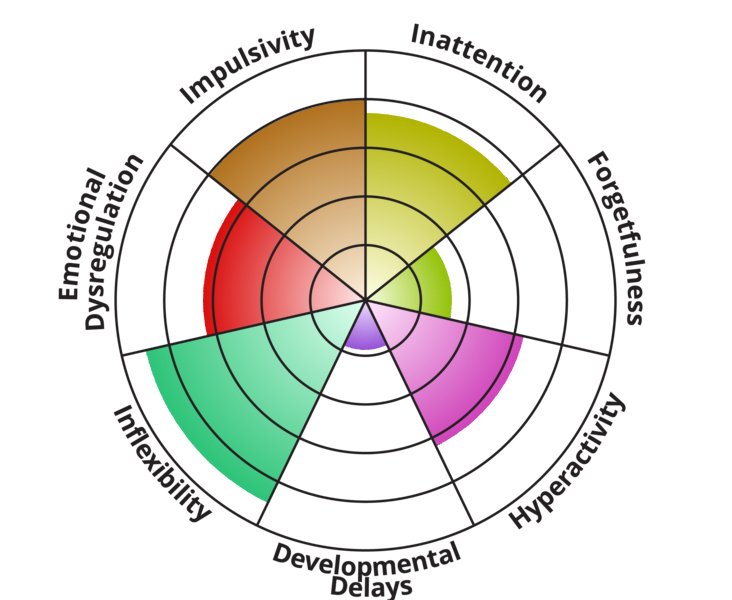
Here's mine - "high", apparently. Well lordy me...

Never addressed but long suspected.
_________________
Giraffe: a ruminant with a view.